Back to Nodes
Flux Fill Pro

Flux Fill Pro

Official

FLUX inpainting and outpainting for filling or extending images.

Nodespell AI
AI / Image / Black Forest Labs

FLUX inpainting and outpainting for filling or extending images.

FLUX Fill Pro is the FLUX node for masked edits and canvas extension. It accepts image, mask, prompt, optional outpaint behavior, steps, guidance, output format, safety tolerance, prompt upsampling, and seed.

Use it when only part of an image should change, or when the frame needs to extend beyond its current borders.

Model Examples (3)

Example Index01 / 03
Example 01

Example 1

Zoom-out outpaint for a vehicle product image.

Source Inputs02
Prompt

Extend the studio floor and neutral background around the compact vehicle, keeping the car centered with soft catalog lighting and a clean product-photography look.

Image
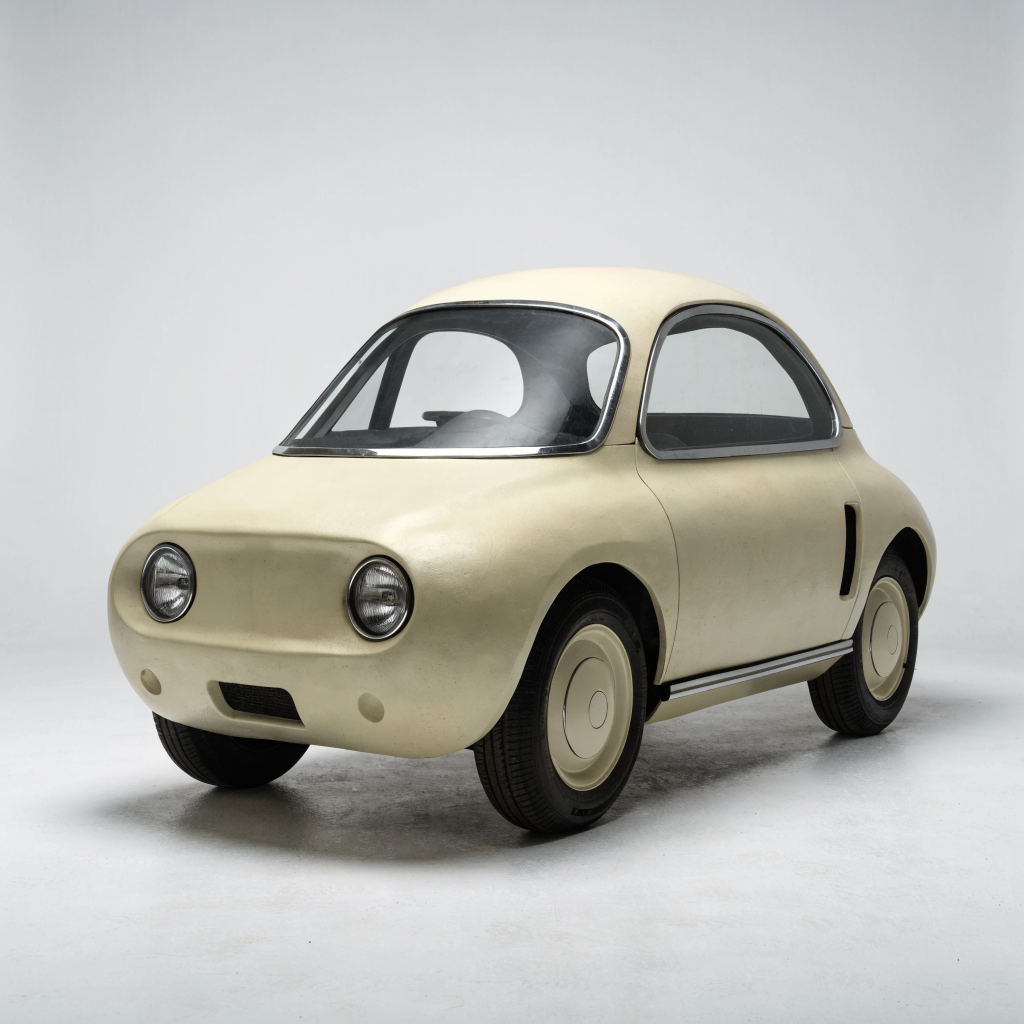
Example input
Parameters07
Prompt
Extend the studio floor and neutral background around the compact vehicle, keeping the car centered with soft catalog lighting and a clean product-photography look.
Outpaint
Zoom out 1.5x
Steps
50
Guidance
60
Output Format
jpg
Safety Tolerance
2
Prompt Upsampling
false
Image EditOutpaintVehicleProduct
Response
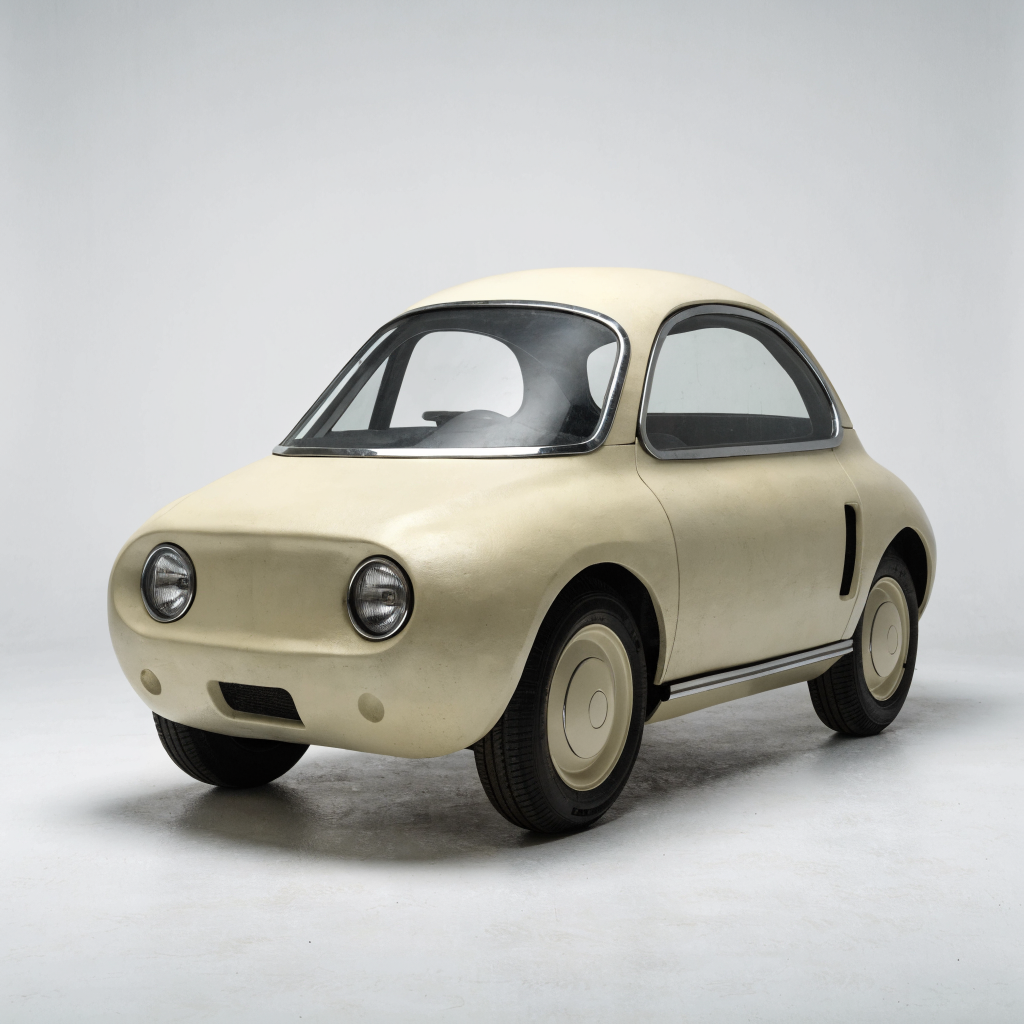
 output
Inputs (3)

prompt

String

Text prompt for image generation

Multi InputMin: 0Max: 100

image

String

The image to inpaint. Can contain an alpha mask. Must be jpeg, png, gif, or webp.

Min: 0Max: 100

mask

String

A black-and-white image that describes the part of the image to inpaint. Black areas will be preserved while white areas will be inpainted. Must have the same size as image. Optional if you provide an alpha mask in the original image. Must be jpeg, png, gif, or webp.

Min: 0Max: 100
Parameters (8)

Seed

Number

Random seed. Set for reproducible generation

Steps

Number

Number of diffusion steps. Higher values yield finer details but increase processing time.

Default: 50

Prompt

String

Text prompt for image generation

Default:

Guidance

Number

Controls the balance between adherence to the text prompt and image quality/diversity. Higher values make the output more closely match the prompt but may reduce overall image quality. Lower values allow for more creative freedom but might produce results less relevant to the prompt.

Default: 60

Outpaint

String

A quick option for outpainting an input image. Mask will be ignored.

Default: None

output_format

String

Format of the output images.

Default: jpg

safety_tolerance

Number

Safety tolerance, 1 is most strict and 6 is most permissive

Default: 2

prompt_upsampling

Boolean

Automatically modify the prompt for more creative generation

Default: false
Outputs (1)

response

Inferred

response

Nodespell Team

Creator profile

Type

Node

Status

Official

Package

Nodespell AI

Category

AI / Image / Black Forest Labs

Input

ImageText

Output

Image

Keywords

Image EditImage GenerationAspect Control
Use in Workflow