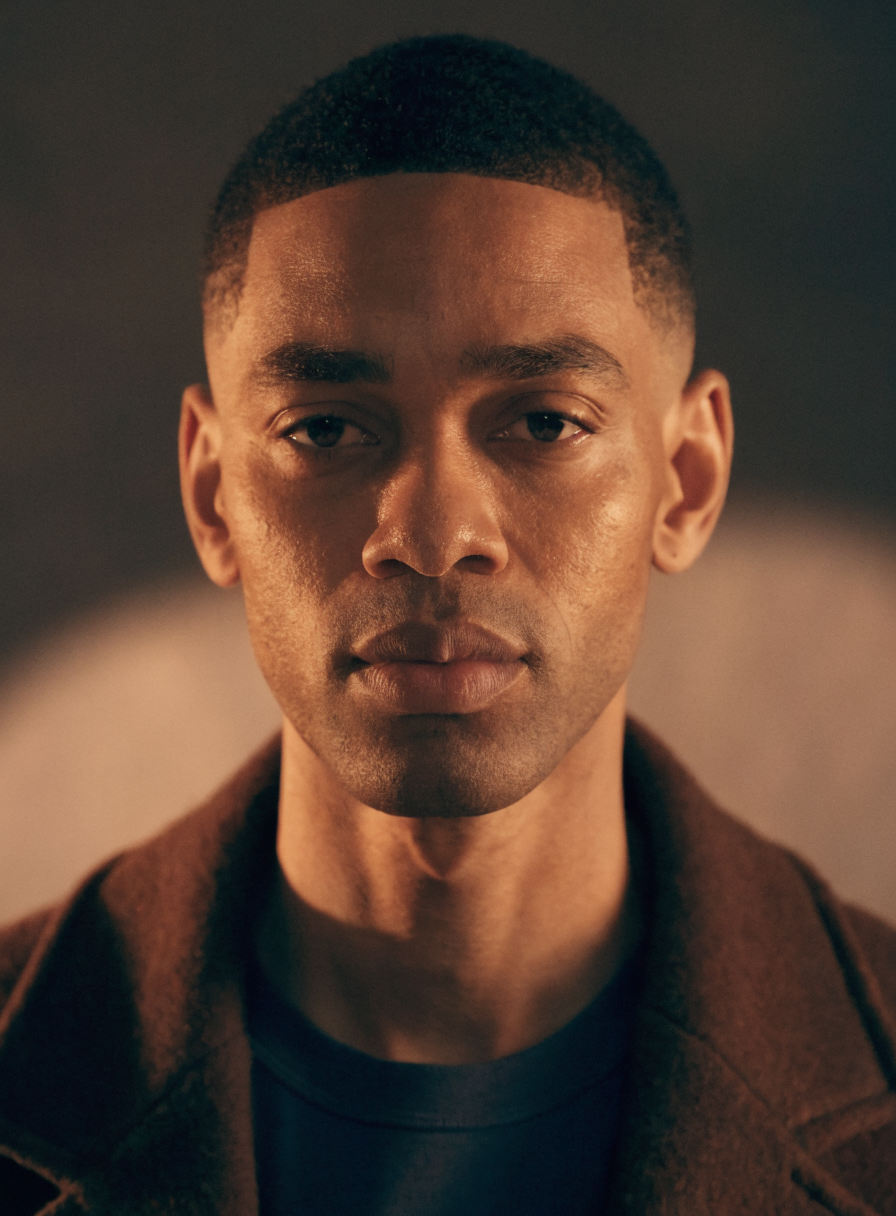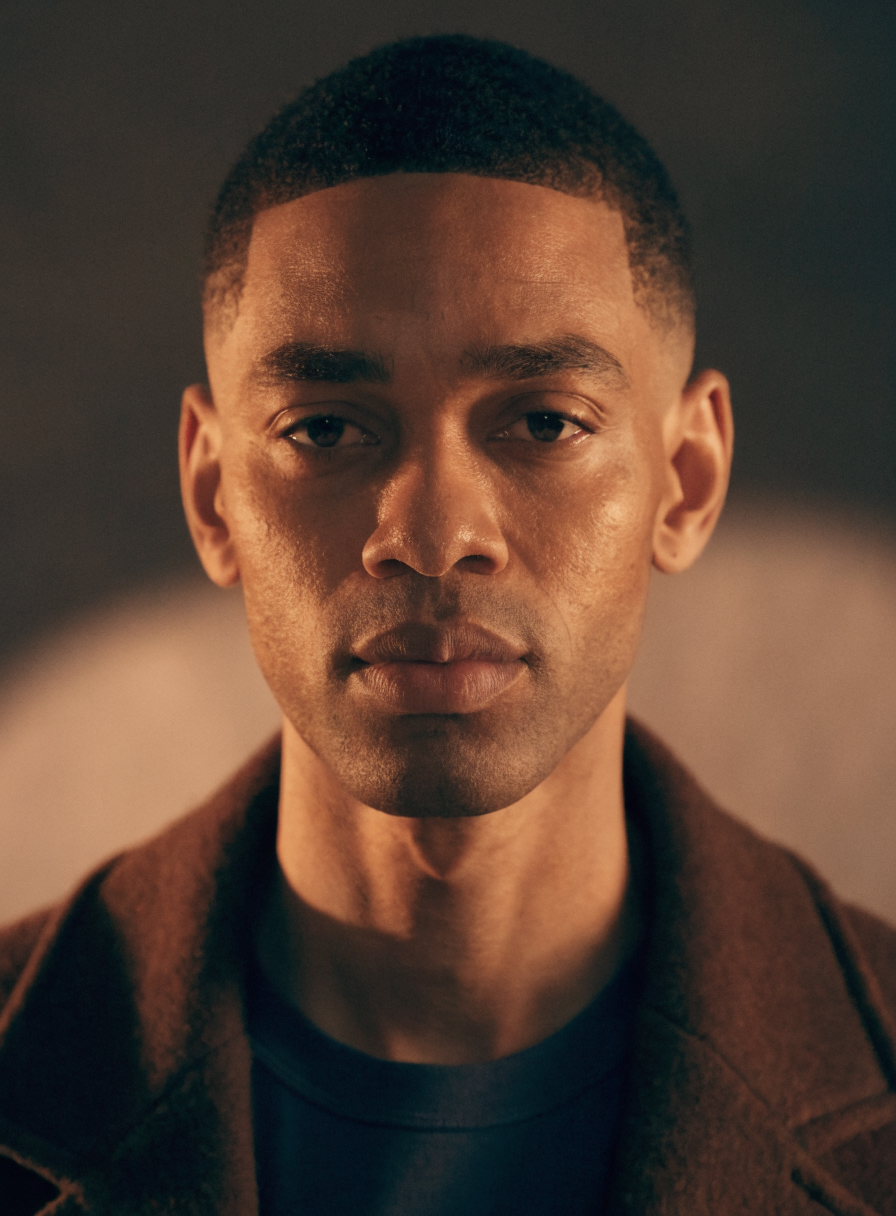
Flux Kontext Dev
An open-weight, text-guided image editing model.
Model Overview
FLUX.1 Kontext is a cutting-edge, open-weight model designed for advanced image editing using text prompts. It allows users to modify images with high precision and creativity, offering superior control and quality compared to many other image editing models.
Best At
This model excels at a wide range of image editing tasks, including:
- Style Transfer: Applying artistic styles like watercolor, oil painting, or sketches.
- Object and Clothing Modifications: Changing hairstyles, adding accessories, or altering colors.
- Text Editing: Precisely replacing text within images (e.g., on signs or labels).
- Background Swapping: Seamlessly changing the environment while maintaining the subject's integrity.
- Character Consistency: Ensuring a subject's appearance remains consistent across multiple edits.
Limitations / Not Good At
While powerful, the model may perform less optimally with:
- Highly abstract or nonsensical prompts.
- Extremely complex scenes requiring fine-grained control over numerous small elements simultaneously.
- Generating entirely new, photorealistic images from scratch (it's primarily an editing tool).
Ideal Use Cases
- E-commerce: Modifying product images, changing backgrounds, or adding details.
- Marketing: Creating visually appealing ad creatives and social media graphics.
- Content Creation: Illustrating blog posts, articles, or presentations with unique visuals.
- Graphic Design: Iterating on designs, changing text elements, or applying artistic effects.
- Personalization: Customizing photos with specific stylistic changes or edits.
Input & Output Format
- Input: An input image (JPEG, PNG, GIF, WEBP) and a text prompt describing the desired edits. Optional parameters include aspect ratio, inference steps, guidance scale, seed, output format, output quality, and safety checker disabling.
- Output: A URI pointing to the edited image.
Performance Notes
- The
go_fastparameter can speed up generation at the cost of slight quality degradation for challenging prompts. - Offers control over
num_inference_stepsandguidancefor balancing speed and quality. - Setting
output_qualityimpacts file size and fidelity for formats like JPG, but not for PNG.
Prompt
StringText description of what you want to generate, or the instruction on how to edit the given image.
Input Image
StringImage to use as reference. Must be jpeg, png, gif, or webp.
Seed
NumberRandom seed for reproducible generation. Leave blank for random.
-1Prompt
StringText description of what you want to generate, or the instruction on how to edit the given image.
Guidance
NumberGuidance scale for generation
2.5Aspect Ratio
StringAspect ratio of the generated image. Use 'match_input_image' to match the aspect ratio of the input image.
match_input_imageOutput Format
StringOutput image format
webpOutput Quality
NumberQuality when saving the output images, from 0 to 100. 100 is best quality, 0 is lowest quality. Not relevant for .png outputs
80Num Inference Steps
NumberNumber of inference steps
30Disable Safety Checker
BooleanDisable NSFW safety checker
falseOutput
InferredOutput
Type
Node
Status
Official
Package
Nodespell AI
Category
AI / Image / Black Forest LabsInput
Output