Back to Nodes
Grok Imagine Image

Grok Imagine Image

Official

Grok Imagine image generation for prompt or reference-led stills.

Nodespell AI
AI / Image / Xai

Grok Imagine image generation for prompt or reference-led stills.

Grok Imagine Image is useful when an xAI image workflow should generate or edit stills with prompt and optional image input. It sits alongside Grok Imagine video nodes as the still-image option.

Use it for image outputs. Use the video variants when the task needs motion, extension, or reference-to-video behavior.

Model Examples (5)

Example Index01 / 05
Example 01

Community Pottery Class

Shows Grok Imagine Image across realistic, fantasy, commercial, conceptual, and social formats.

Source Inputs01
Prompt

Realistic lifestyle photograph of an evening community pottery class in a converted warehouse, clay-covered tables, diverse adults shaping bowls, warm practical lights, candid documentary framing, no logos, no readable text.

Parameters02
Aspect Ratio
16:9
Prompt
Realistic lifestyle photograph of an evening community pottery class in a converted warehouse, clay-covered tables, diverse adults shaping bowls, warm practical lights, candid documentary framing, no logos, no readable text.
text-to-imagegrok-imagineimage-generation
Response
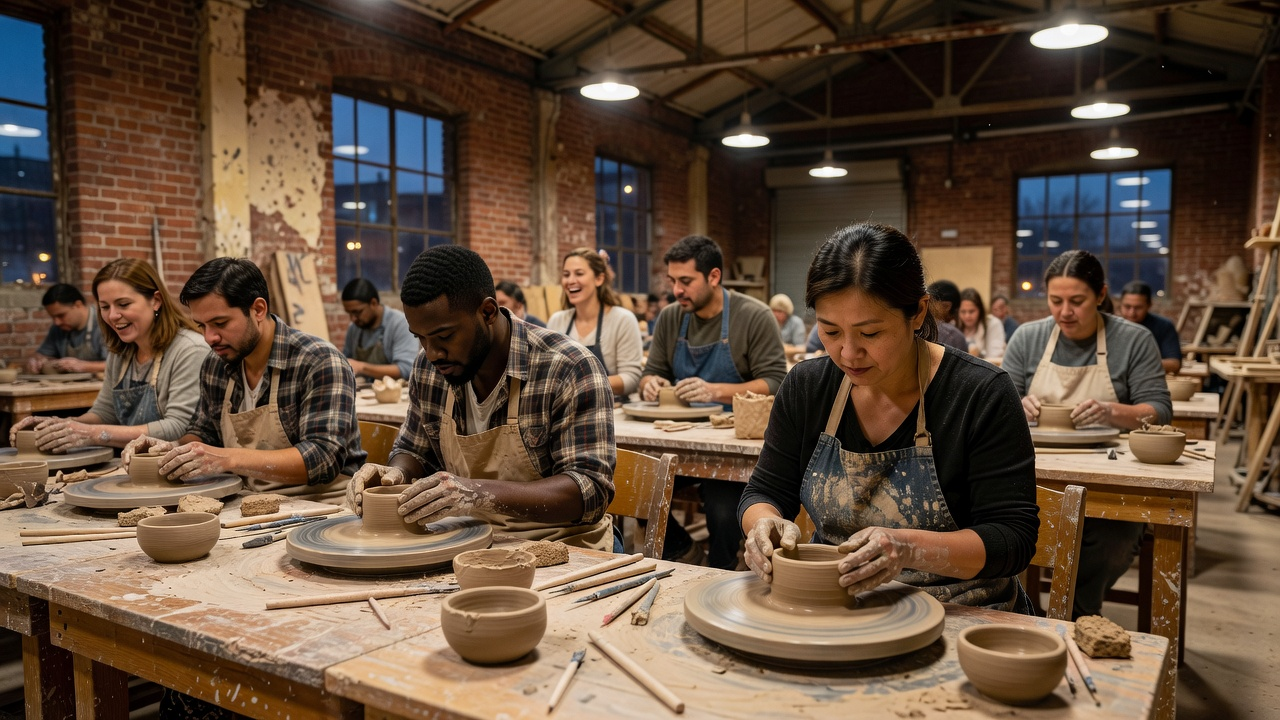
Community Pottery Class output
Inputs (2)

Prompt

String

Text prompt for image generation or editing.

RequiredMulti InputMin: 0Max: 100

Image

String

Optional input image for guided editing or style transfer.

Min: 0Max: 100
Parameters (2)

Prompt

String

Text prompt for image generation or editing.

Required
Default:

Aspect Ratio

String

Aspect ratio of generated images when no input image is provided.

Default: 1:1
Outputs (1)

Output

Inferred

Output

Nodespell Team

Creator profile

Type

Node

Status

Official

Package

Nodespell AI

Category

AI / Image / Xai

Input

TextImage

Output

Image

Keywords

Image GenerationImage EditingPrompt Conditioning
Use in Workflow