
Back to Nodes
MAI Image 2.5 Edit

MAI Image 2.5 Edit

Official

Edit one or more source images with Microsoft MAI Image 2.5.

Nodespell AI
AI / Image / Microsoft

Edit one or more source images with Microsoft MAI Image 2.5.

Use this when the input image should anchor the result and the prompt describes a targeted visual change, style shift, or production variant.

Model Examples (1)

Example Index01 / 01
Example 01

Example 1

A clean fashion catalog colorway edit from a source dress prop.

Source Inputs02
Prompt

Create a polished fashion catalog variation from this dress image. Keep the mannequin, full-garment framing, studio setup, and fabric structure. Change the dress into deep sapphire blue satin with subtle silver embroidered trim along the neckline and waist. Use a warm light-gray studio background with soft side lighting and gentle floor shadow. Keep the result elegant, realistic, and suitable for a production wardrobe reference.

Image Urls
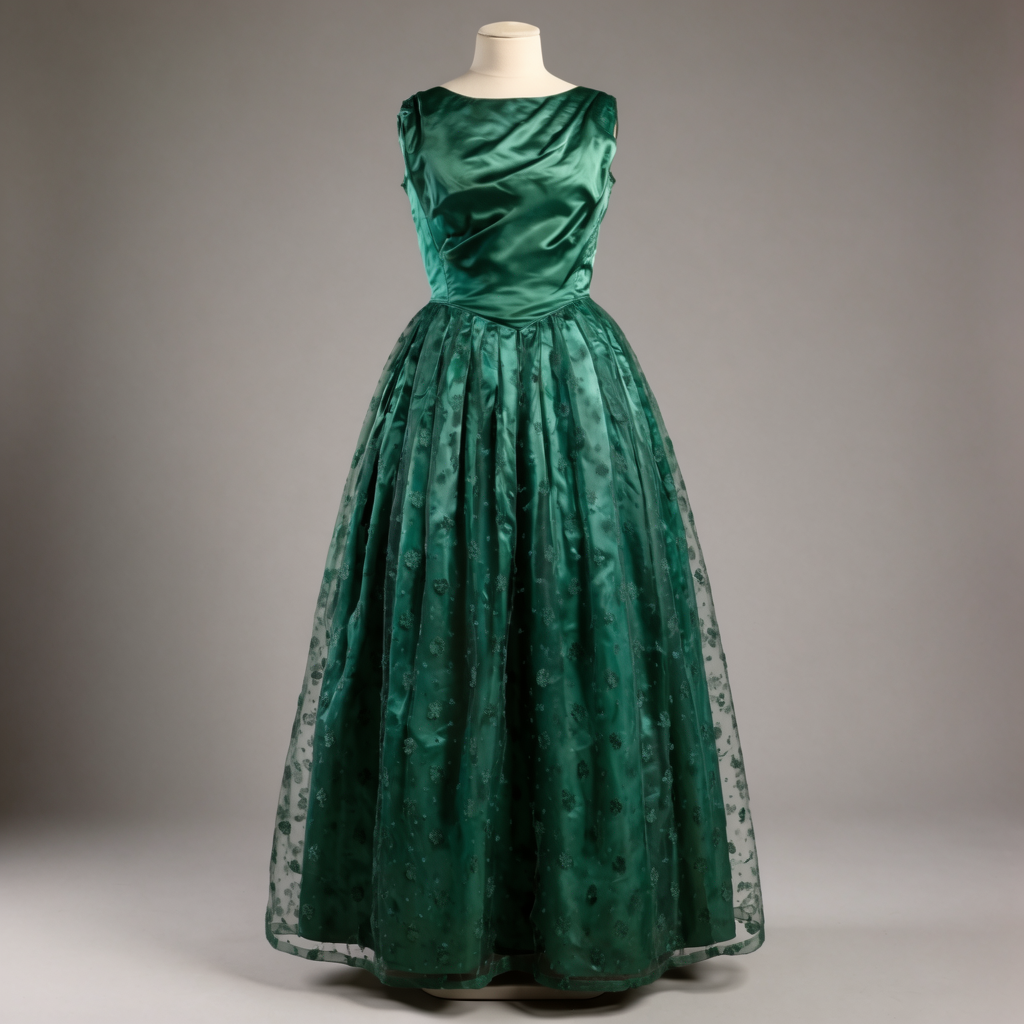
Example input
Parameters03
Prompt
Create a polished fashion catalog variation from this dress image. Keep the mannequin, full-garment framing, studio setup, and fabric structure. Change the dress into deep sapphire blue satin with subtle silver embroidered trim along the neckline and waist. Use a warm light-gray studio background with soft side lighting and gentle floor shadow. Keep the result elegant, realistic, and suitable for a production wardrobe reference.
Aspect Ratio
3:4
Output Format
png
Image EditFashionCatalogColorway
Response
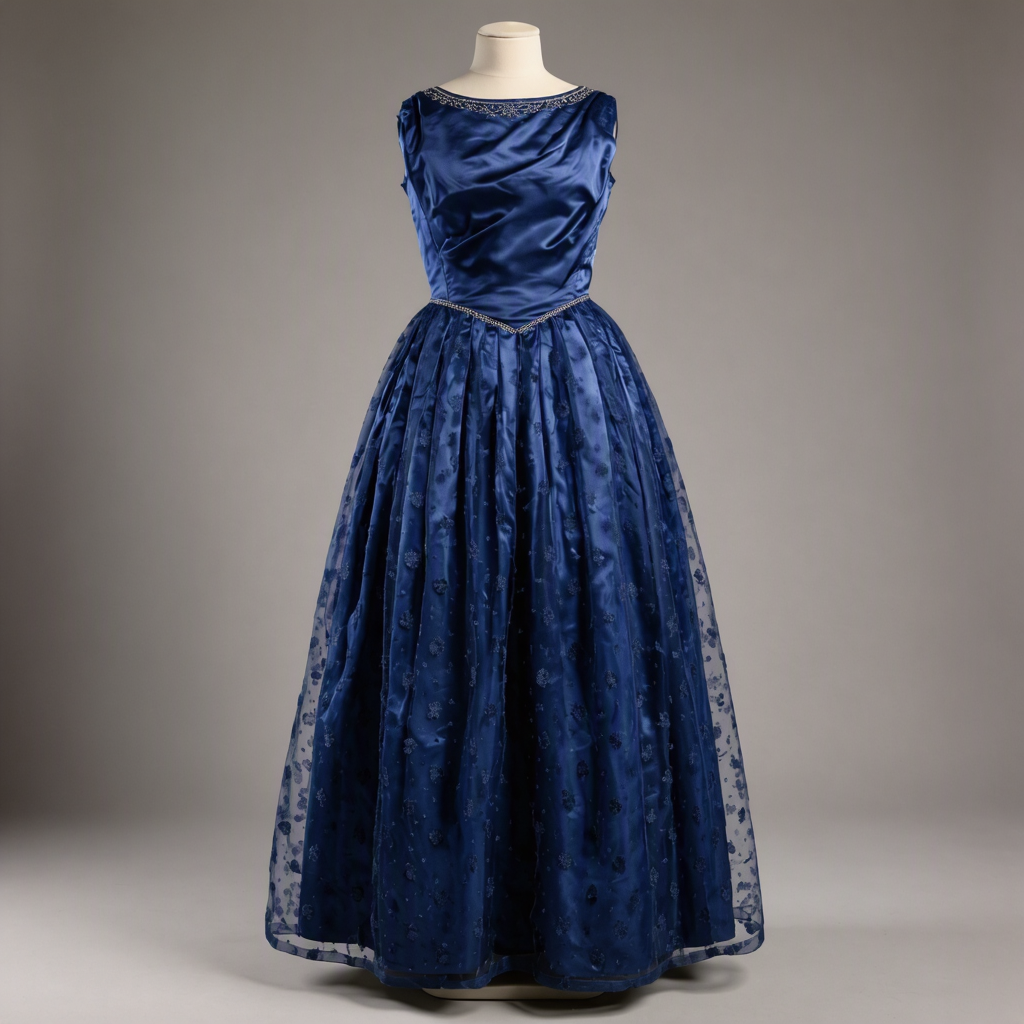
 output
Inputs (2)

Prompt

String

Instruction describing how to edit the input image.

RequiredMulti InputMin: 0Max: 100

Images

Array

Image or images to edit.

RequiredMulti InputMin: 1Max: 4
Parameters (3)

Prompt

String

Instruction describing how to edit the input image.

Required
Default:

Aspect Ratio

String

Output aspect ratio. Auto matches the input or lets the model decide.

Default: auto

Output Format

String

File format for the generated image.

Default: png
Outputs (1)

Output

Inferred

Generated image output.

Nodespell Team

Creator profile

Type

Node

Status

Official

Package

Nodespell AI

Category

AI / Image / Microsoft

Input

TextImage

Output

Image

Keywords

Image EditImage GenerationPrompt ConditioningAspect Control
Use in Workflow